
CRM vs Excel
Why use a CRM instead of an Excel file for your sales management?
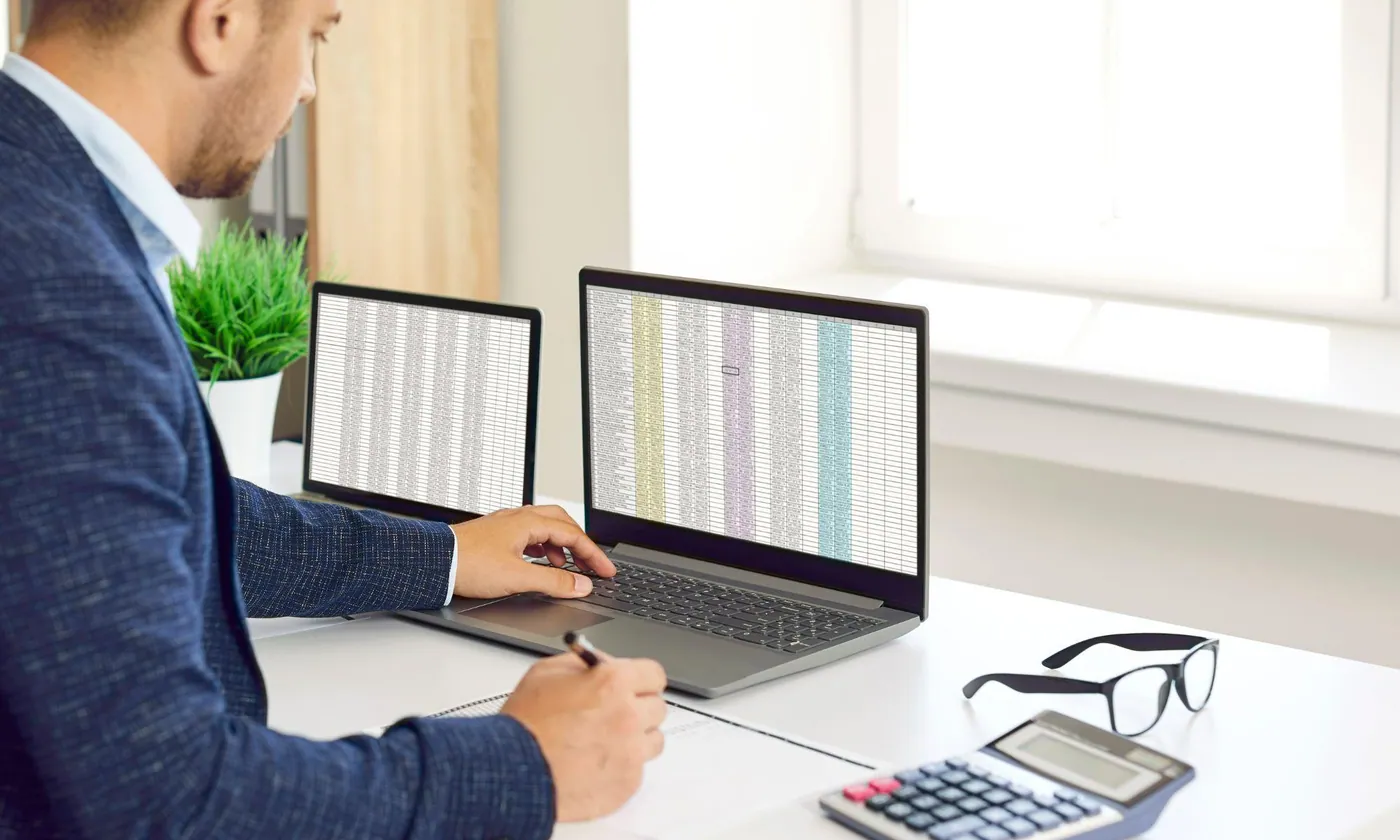
When a business is first set up, whether for budget reasons or out of habit, it is often convenient to use a spreadsheet. It is a tool everyone knows, which lets you consolidate a large amount of information on the one hand and sort it to take action on the other. The spreadsheet is then used for absolutely everything. It is used to compare supplier prices, list tomorrow's prospects and customers, plan the structure of your future website and, very often, draw up your first quotes and invoices.
One need = one new file
And it's easy: as soon as the file turns out to be incomplete, you just add a column, then another, then a third… until you end up with a mass of information as huge as it is unusable. Especially as it will all have to be kept up to date!
The spreadsheet thus becomes a familiar and often sprawling tool. Yet it remains difficult to make use of. It is easy to list the contact details of my prospects and customers, less easy to keep them up to date in all my spreadsheet files without missing any. Easy to copy my customers' email addresses and mobile numbers one by one; less easy to export them to send a general communication or a newsletter. Always very easy to write an invoice, until the moment you need to find it for the accountant without knowing exactly in which folder and under what name it was saved.
Then the company grows, the headcount increases, team members' habits differ, each bringing their own knowledge and culture. Accounting chooses an invoicing tool, marketing an emailing solution, the sales team agrees on a pipeline management solution… and each department creates its own world, independently of the others.
The data originally held in spreadsheets has sometimes been imported, the tools have multiplied and, very often, so have the costs. Knowledge is therefore not shared, there is no cohesion, and it becomes difficult to set up cross-departmental, cross-skill action plans.
And then one day you realise the value of centralisation.
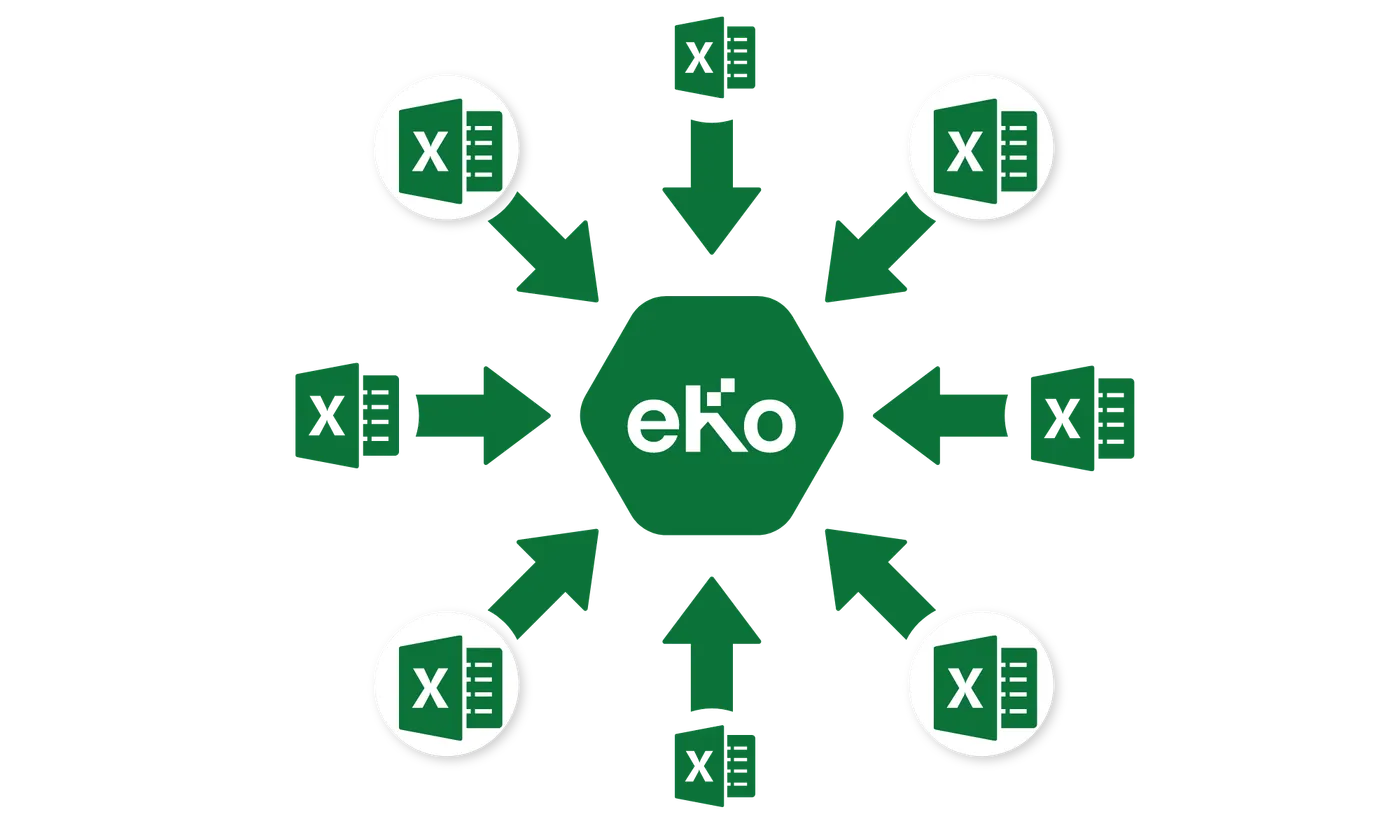
So you start thinking in cycles. You identify and segment all the actions carried out by staff day to day. That is when you discover the concepts of CRM and ERP.
- CRM (Customer Relationship Management) software comes into play at every stage of the sales cycle. It gives you better management of your contacts, precise identification and definition of your contacts' profiles, optimised organisation of incoming and outgoing communication, tracking of orders and invoices, the ability to anticipate changes in your market, organisation and personalised technical assistance.
- ERP (Enterprise Resource Planning) software handles accounting follow-up, stock management, supplier management, sales management…
There are also other solutions that combine CRM and ERP features, such as eKo CRM.
Your information is then accessible to each user, according to their rights. Each department works within its own scope on one and the same database. Every business should start out with eKo CRM! Curious to discover all of eKo's features? This way!