
Trading & distribution
The management software for trading and distribution.
From customer order to signed delivery. eKo works out what is left to buy, creates the supplier orders, updates stock on receipt and prepares the delivery notes, which your customers sign on the spot.
Day to day
Your day, with eKo.
Who is it for?
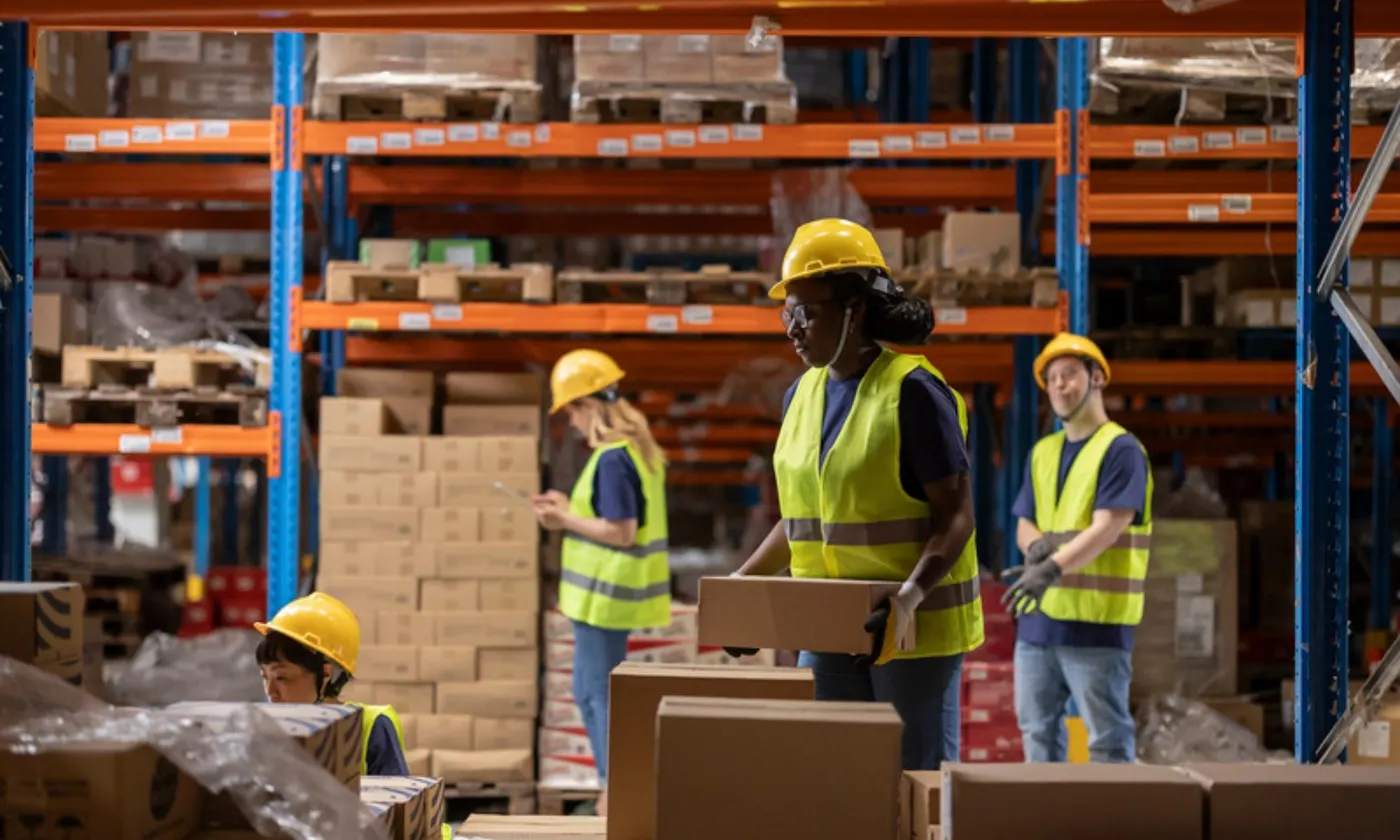
Equipment or supplies merchant, with a depot, business customers and sometimes a trade counter.
Before eKo
- Opening every customer order to find out what is left to buy
- Deliveries with no proof
- Stock figures that never match
What changes
- A single screen for “what do I need to order?”.
- Signed proof of delivery, attached to the document.
- Stock updated with every confirmed document, with no separate entry.
The workflow in eKo
-
1
The sales rep prices the order with the customer's price lists and the catalogue's kit items.
-
2
The customer order is confirmed. The Purchasing module lists on a single screen everything that has been neither delivered nor already ordered.
-
3
Back orders are grouped by supplier and become supplier orders in one click.
-
4
On receipt, the stock comes in, and eKo generates the delivery notes for the customers concerned.
-
5
The customer signs the delivery note on the driver's tablet or on a phone. The signature appears on the PDF.
-
6
A stocktake compares the theoretical stock with what is on the shelves and corrects the difference in one operation, with minimum stock alerts and stock valuation.
Frequently asked questions
Your questions, our answers.
How do I know what is left to order?
The Purchasing module lists on one screen everything that is neither delivered nor already ordered; backorders are grouped by supplier and become orders in one click.
Can the customer sign the delivery note?
Yes, on the driver’s tablet or on a phone; the signature appears on the PDF.
Is stock updated automatically?
Yes: it comes in on supplier receipt and goes out on delivery; a stocktake corrects differences in one operation, with minimum stock alerts and valuation.
Other trades