
Discovering the "Electronic Signature" option
Simplify your paperwork: switch to electronic signature!

Goodbye paper! Simplify the approval of your contracts in a few clicks with the eKo "Electronic signature" option. For several years, eKo has offered its customers a reliable solution for signing, certifying and time-stamping their documents. By choosing this option, they benefit from qualified time-stamping compliant with the eIDAS regulation, guaranteeing recognised legal value in Europe as well as in the United States.
Want to find out why this option is essential? Read our article: "eKo goes electronic signature".
How does it work?
Step 1
Already an eKo customer? Contact a sales representative to activate the option on your eKo account (FR phone: +33 9 72 11 76 05, LU phone: +352 26 551 109).
Not a customer yet? Book a demo!
Step 2
Log in to eKo with your username and password (you can use your computer or the device of your choice: tablet, phone…).
Step 3
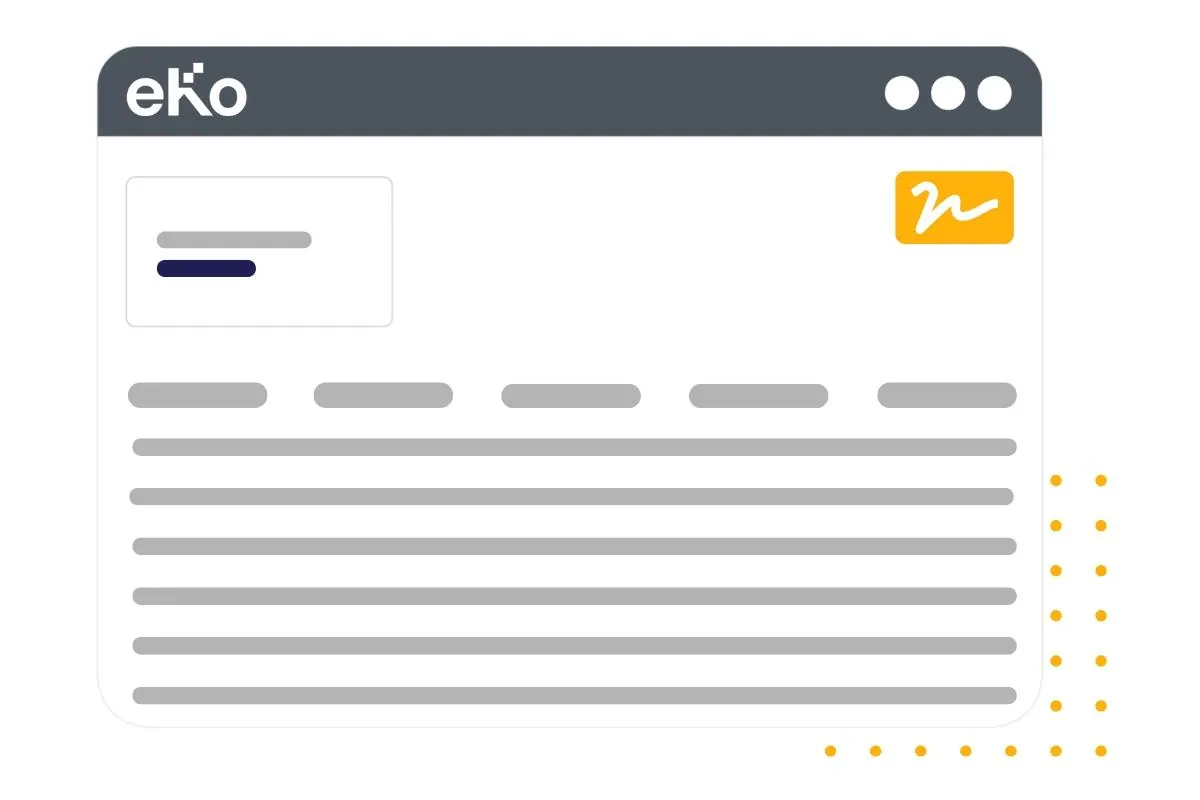
Go to your customer's record, then to the document (for example a quote) you want to have signed. At the top right, click the “Electronic signature” button.
Step 4
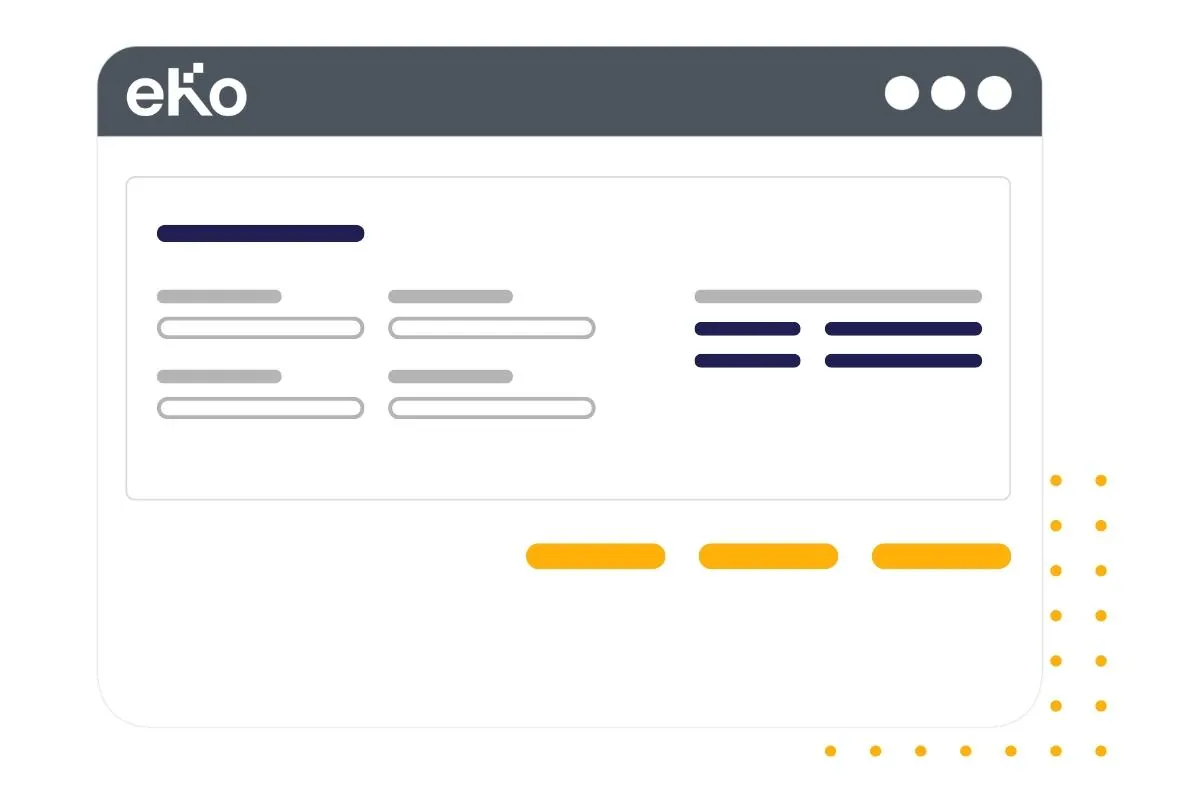
Enter your recipient's details: Signatory's surname, Signatory's first name, Email for signature, Mobile for signature. To save time, you can use the information already entered in eKo with a single click on each item on the right.
Step 5
Finally, you have three options:
- “Send the invitation by email” to send the document for signature directly by clicking the button.
- “Get the signature link” to copy and paste (if, for example, you want to include it in an email).
- “Sign here” to have the document signed on the spot if your customer is with you.
And there you have it, signed, sealed and delivered!